
Tekla Constructible Training
Tekla Structures: New Version Upgrade Training Course
Course Objectives
By the end of this training, participants will be able to:
- Navigate and customize the updated user interface and configuration settings.
- Utilize new modeling tools, updated components, and direct modification enhancements.
- Leverage advanced drawing, documentation, and reporting features.
- Seamlessly migrate personal settings, company environments, and legacy models to the new version without data loss.
Prerequisites: Proficiency in a previous version of Tekla Structures.
Course Details
Installation, Licensing & Migration (Admin Focus)
- System Requirements & Licensing: Overview of hardware recommendations and identity-based subscription licensing updates.
- The Upgrade Workflow: Multi-version coexistence rules and sequential upgrade strategies.
- The Migration Wizard: Automated copying of user settings, keyboard shortcuts, and UI customization.
- Firm & Project Folders: Setting up and preserving company standards, custom components, and attributes using advanced folder hierarchies.
Interface Enhancements & Core Modeling Updates
- UI & Navigation Changes: Exploring new ribbon layouts, updated side panes, and advanced selection/view filters.
- Direct Modification & Snapping: Mastering new numeric snapping capabilities, context contextual toolbars, and updated manipulation handles.
- New Modeling Features: Exploring newly introduced structural profile inputs, updated grid behaviors (e.g., radial/single line adjustments), and part cut tools.
Component & Connection Enhancements
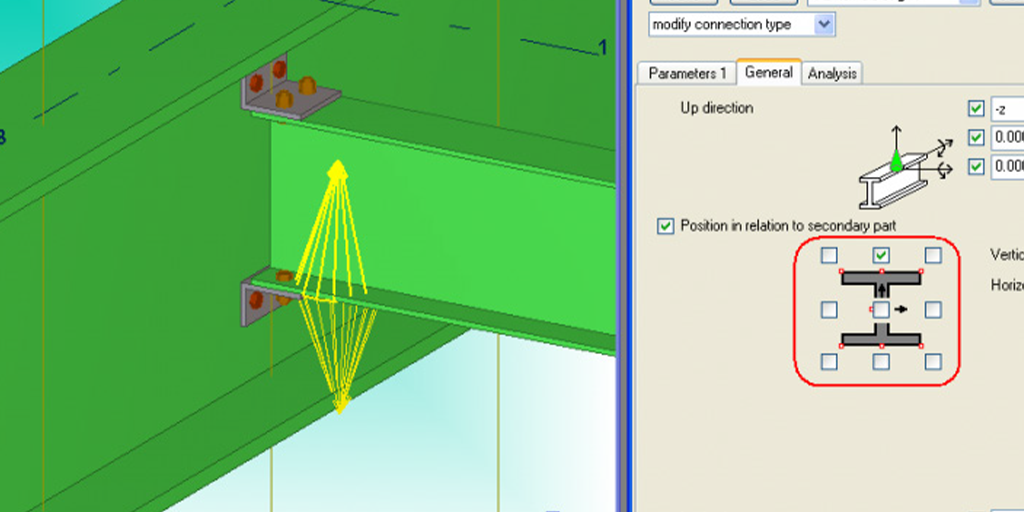
- System Component Updates: Reviewing changes to standard connection macros (e.g., base plates, end plates, shear tabs).
- Custom Component Editor: Deep dive into new variables, formula functions, and visual enhancements within the custom component browser.
- Clash Detection & Organizer Upgrades: Running faster, optimized native clash checks and managing data with the overhauled Organizer tool.
Drawing & Documentation Overhaul
Drawing Edit Mode Changes: Navigating the updated drawing property pane and the 2D library.
Automated Dimensioning: Utilizing new rule-based dimensioning engines for single-part, assembly, and general arrangement (GA) drawings.
Revision Control & Cloud Integration: Tracking model changes against drawings and syncing fabrication data.
Interoperability & Collaborative Workflows
IFC & BIM Collaboration: Enhanced export capabilities (IFC4/IFC5 compatibility) and property set assignments.
Trimble Connect Integration: Real-time model sharing, overlay management, and status sharing workflows directly from the new version.
Delivery Methodology
Live Demonstrations: Step-by-step walkthroughs of contrast workflows (Old vs. New).
Hands-on Delta Exercises: Short, practical modeling and drawing modifications utilizing a provided sandbox project model.
Q&A & Troubleshooting: Dedicated focus on specific legacy issues or custom environment migration challenges.